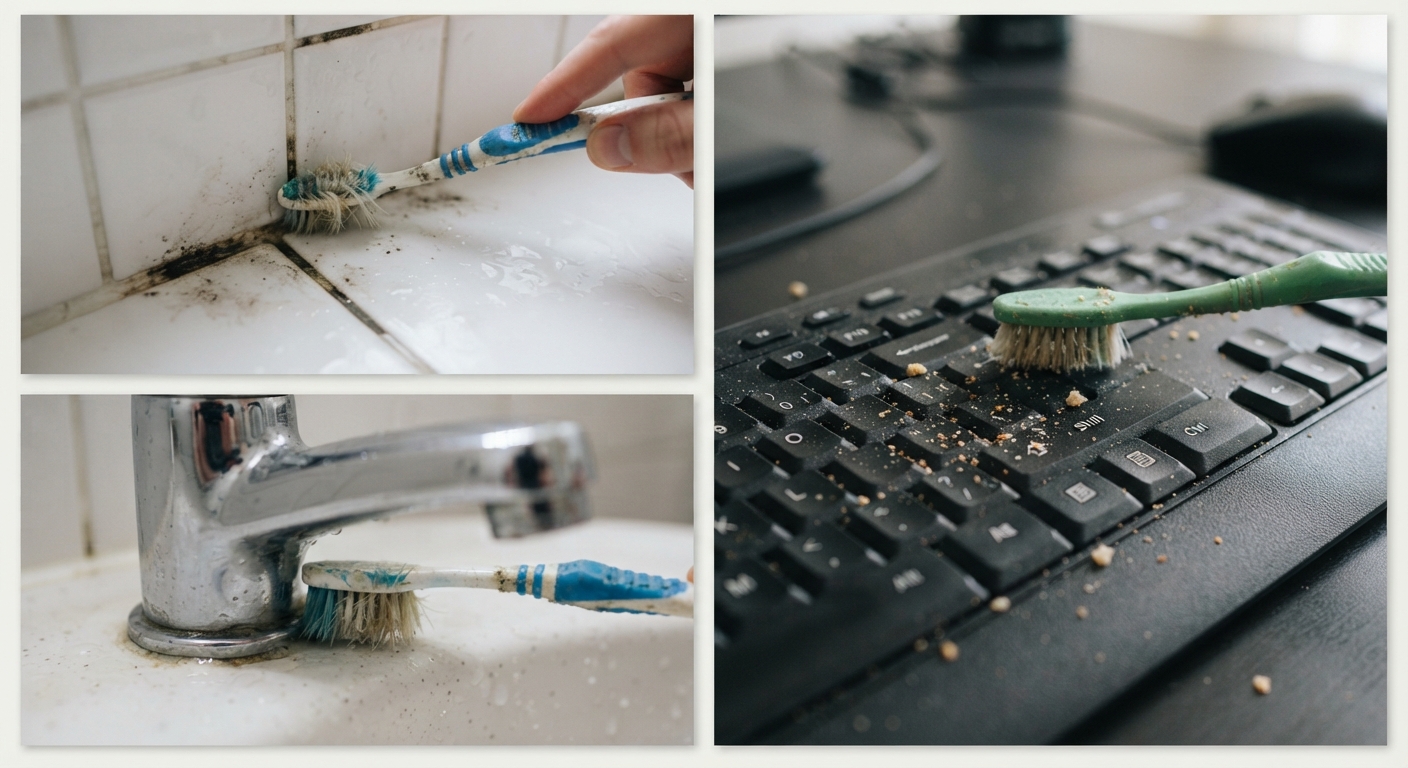
3. Keyboard Crumbs Removal
Keyboards often trap crumbs, dust, and dirt between keys, affecting performance and hygiene. An old toothbrush is ideal for loosening and sweeping away debris from these narrow spaces. The firm bristles can reach under keys without causing damage.
Turn off your device and unplug it before cleaning. Tilt the keyboard at an angle and brush gently between the keys to dislodge particles. For deeper cleaning, use compressed air alongside the toothbrush to blow out loosened debris. Follow up by wiping the keyboard surface with a lightly dampened cloth.
4. Shoe Cleaning
Old toothbrushes are invaluable for cleaning shoes, especially in areas with intricate detailing or textured soles. They can reach into grooves and seams where dirt accumulates. Use the toothbrush with a mild soap solution to scrub away stains, scuffs, or mud.
For leather shoes, dip the toothbrush in a mixture of water and saddle soap or leather cleaner, then gently brush. For sneakers or fabric shoes, a solution of warm water and mild detergent works well. After scrubbing, wipe down with a damp cloth and allow the shoes to air dry.
5. Jewelry Polishing
Fine jewelry often has delicate settings and tiny crevices where dirt and oils build up. An old toothbrush can delicately clean these hard-to-reach spots without damaging the pieces. Use a soft-bristle toothbrush to avoid scratching metals or gemstones.
Mix a few drops of mild dish soap with warm water and soak your jewelry briefly. Then, gently brush the jewelry with the toothbrush, focusing on detailed areas such as prongs, clasps, and engravings. Rinse under warm water and dry with a soft, lint-free cloth.
- Avoid using toothpaste or abrasive cleaners, as they can dull precious metals and stones.
- For antique or fragile pieces, consult a professional jeweler before cleaning at home.